Getting Started with MakerSync
Follow this guide to set up your account, connect your store, and start tracking your real profits in minutes.
Sign Up & Verify
Start by creating your account. You'll need to verify your email address to access the dashboard.
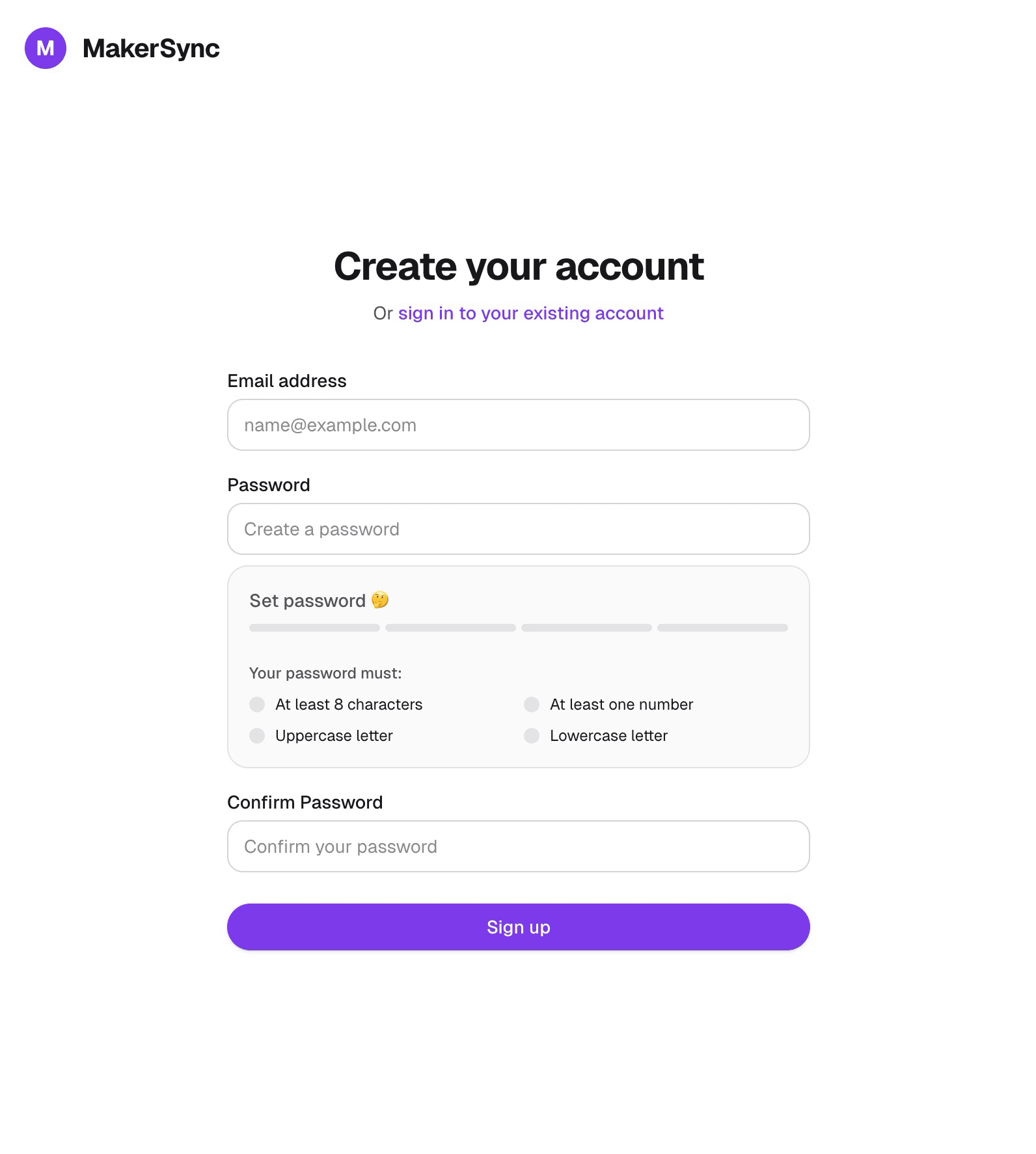
Fill in your details
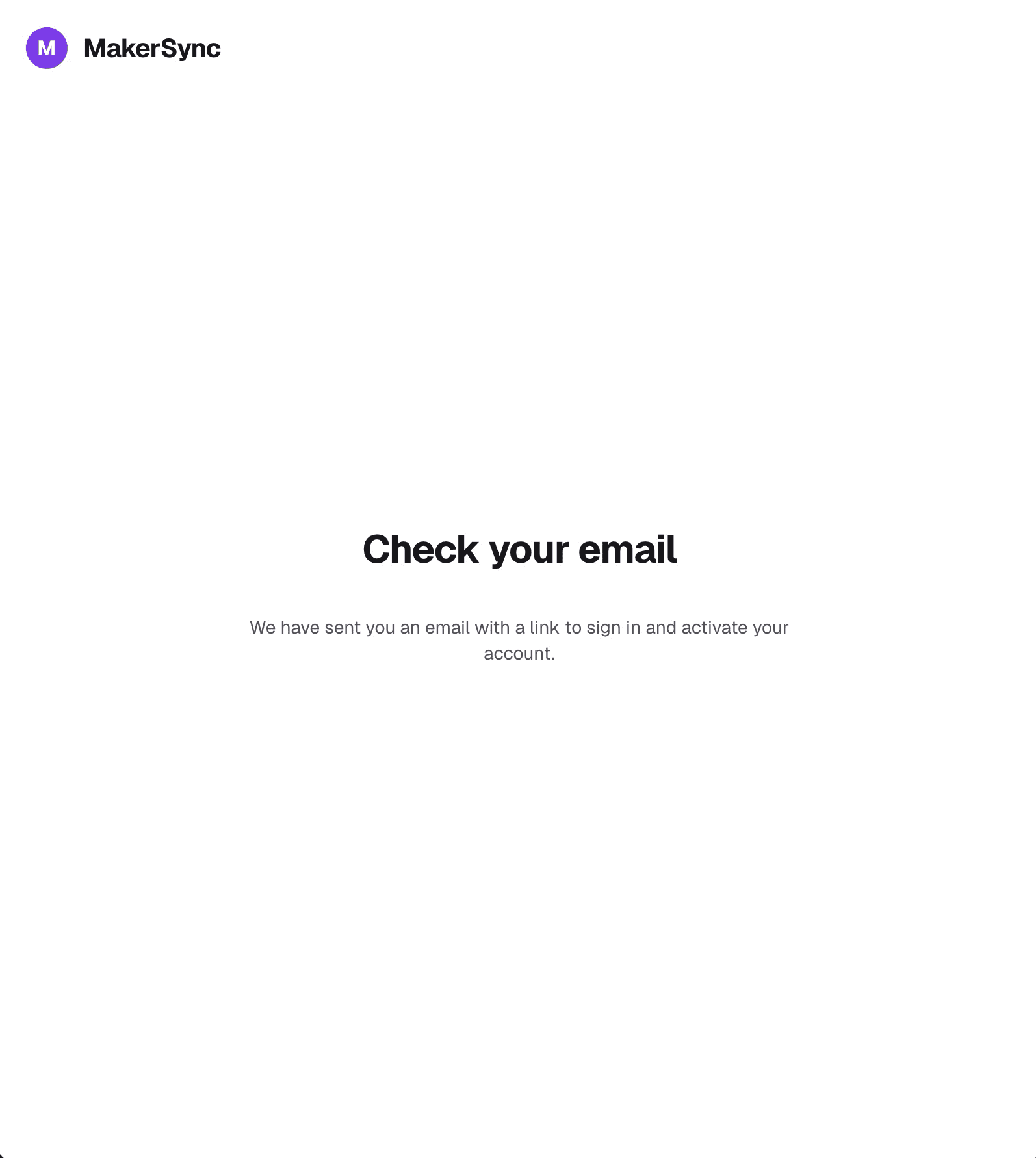
Check your inbox for the verification link
Connect Your Shop
Connect your Etsy or Shopify store to automatically sync products and orders. Navigate to Settings > Integrations to manage your connections.
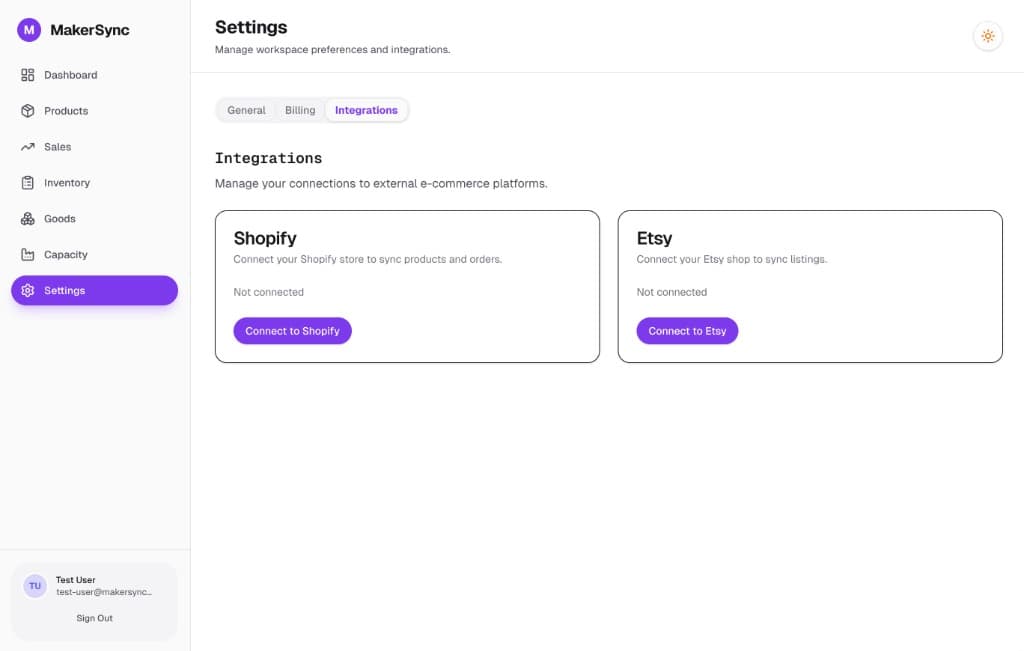
Import or Create Products
Once connected, your products will appear in the Products tab. You can also create manual products if you sell offline or on other platforms.
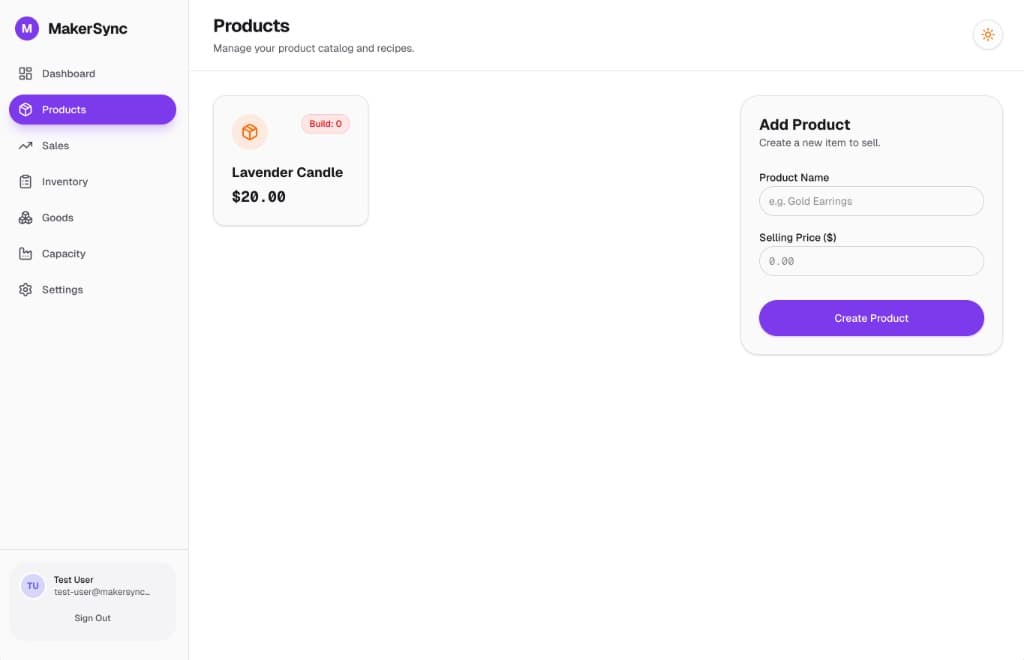
Build Your Recipe
The magic happens here. Calculate your exact production cost and margins by building recipes.
1. Product Details
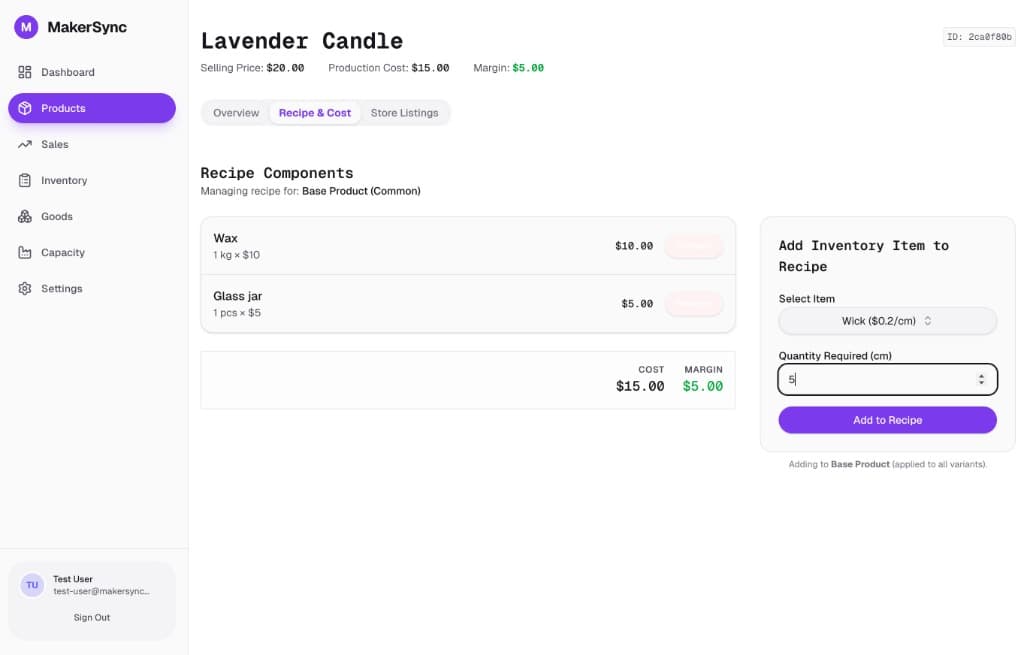
Start by defining your product. Enter the selling price to see your potential margin based on your recipe costs.
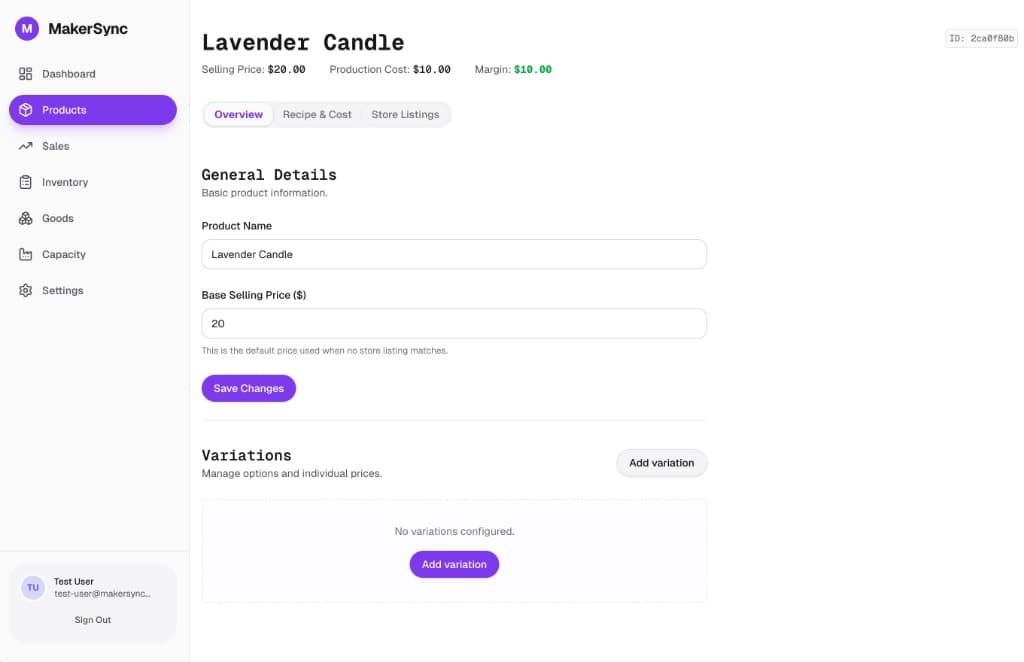
2. Recipe & Costing
Switch to the Recipe & Cost tab. Here you can add ingredients (like Wax, Wicks, Fragrance) relative to your batch size or unit. As you add items, your production cost and margin will update in real-time.